

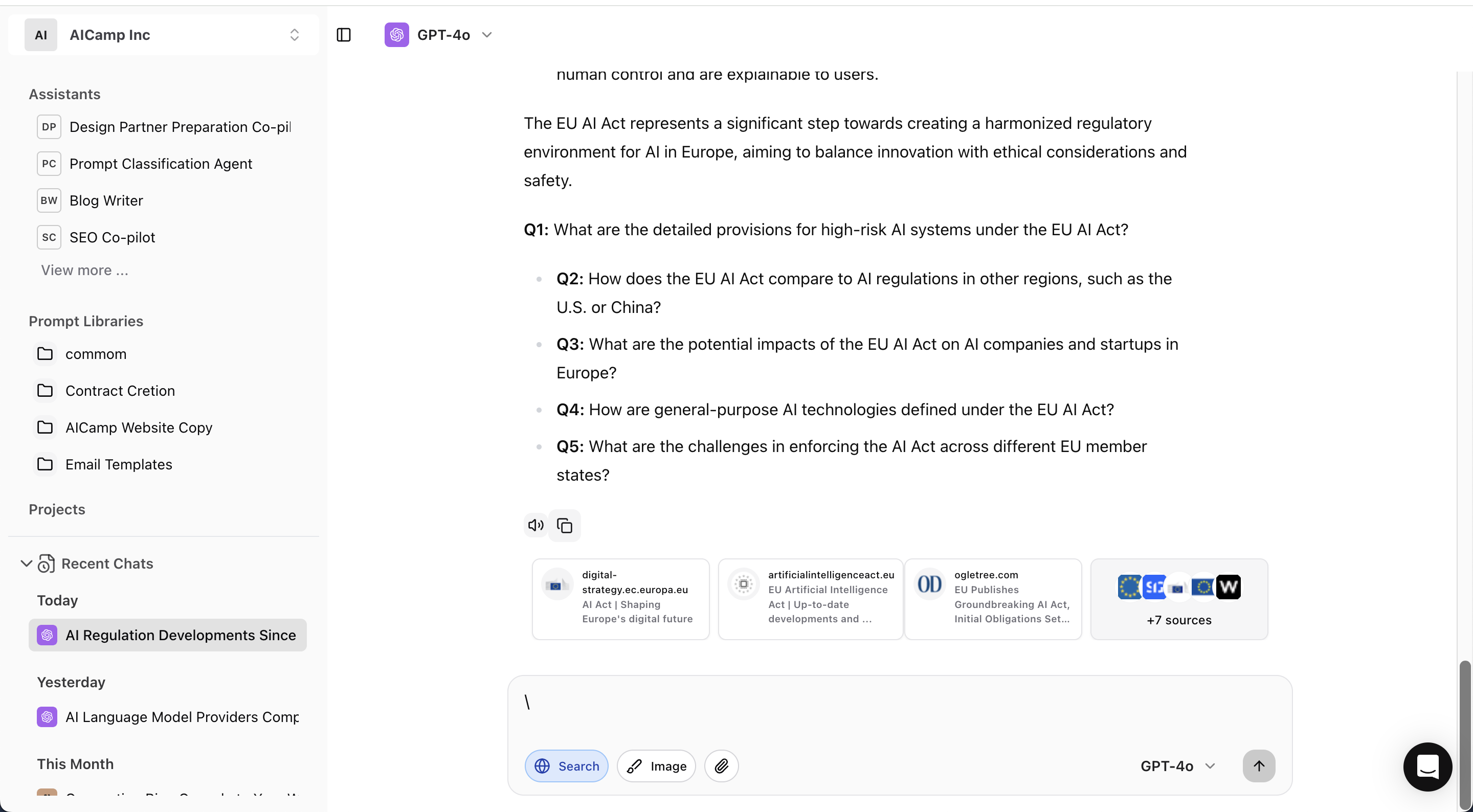
What You Can Do
- Look up recent information
Example: “What are the latest updates on the EU AI Act?” - Find external links and sources
Example: “Give me three articles on remote work trends published this month.” - Verify facts and statistics
Example: “What’s the current market share of electric vehicles in 2025?” - Get summaries of online content
Example: “Summarize the top results for ‘how to improve B2B email open rates’.”
How It Works
- When Web Search is enabled in Chat, AICamp queries the web in real-time using integrated search APIs.
- The AI uses those results to generate responses or summaries, and may include source links when available.
Not all AI models support live web search. The option will appear only when the selected model and your organization settings allow it.
When to Use Web Search
- When the AI says it doesn’t have up-to-date info
- For time-sensitive or fast-changing topics
- When you need external content (news, market data, etc.)
Structuring Your Input for Better Results
Best Practices
- Use specific keywords and timeframes
- Request summaries, lists, or sources depending on what you need
- If you’re not getting live info, check if Web Search is enabled for your model